Lighthouse
Popular
Photography Template
$99
$99
USD
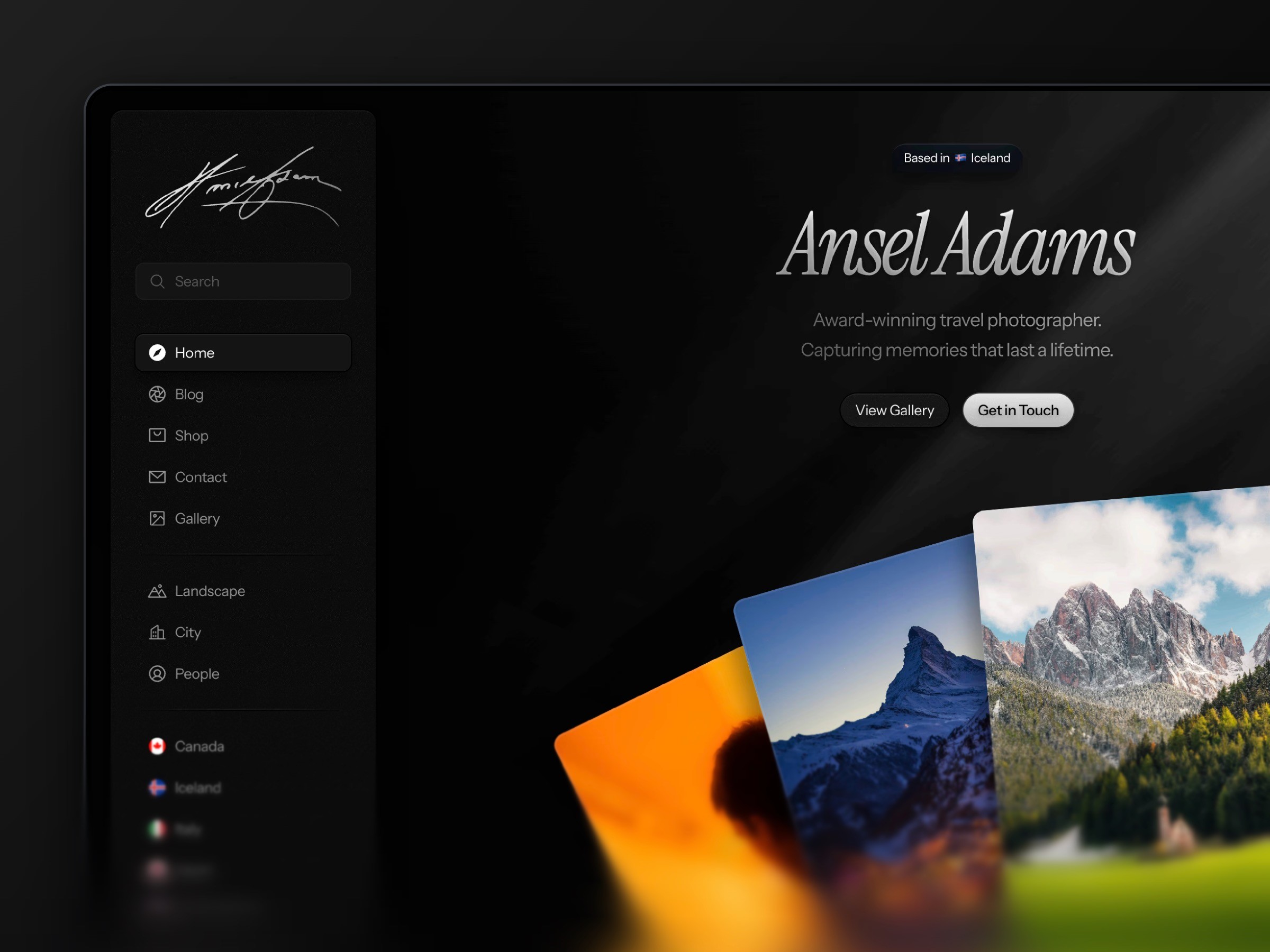
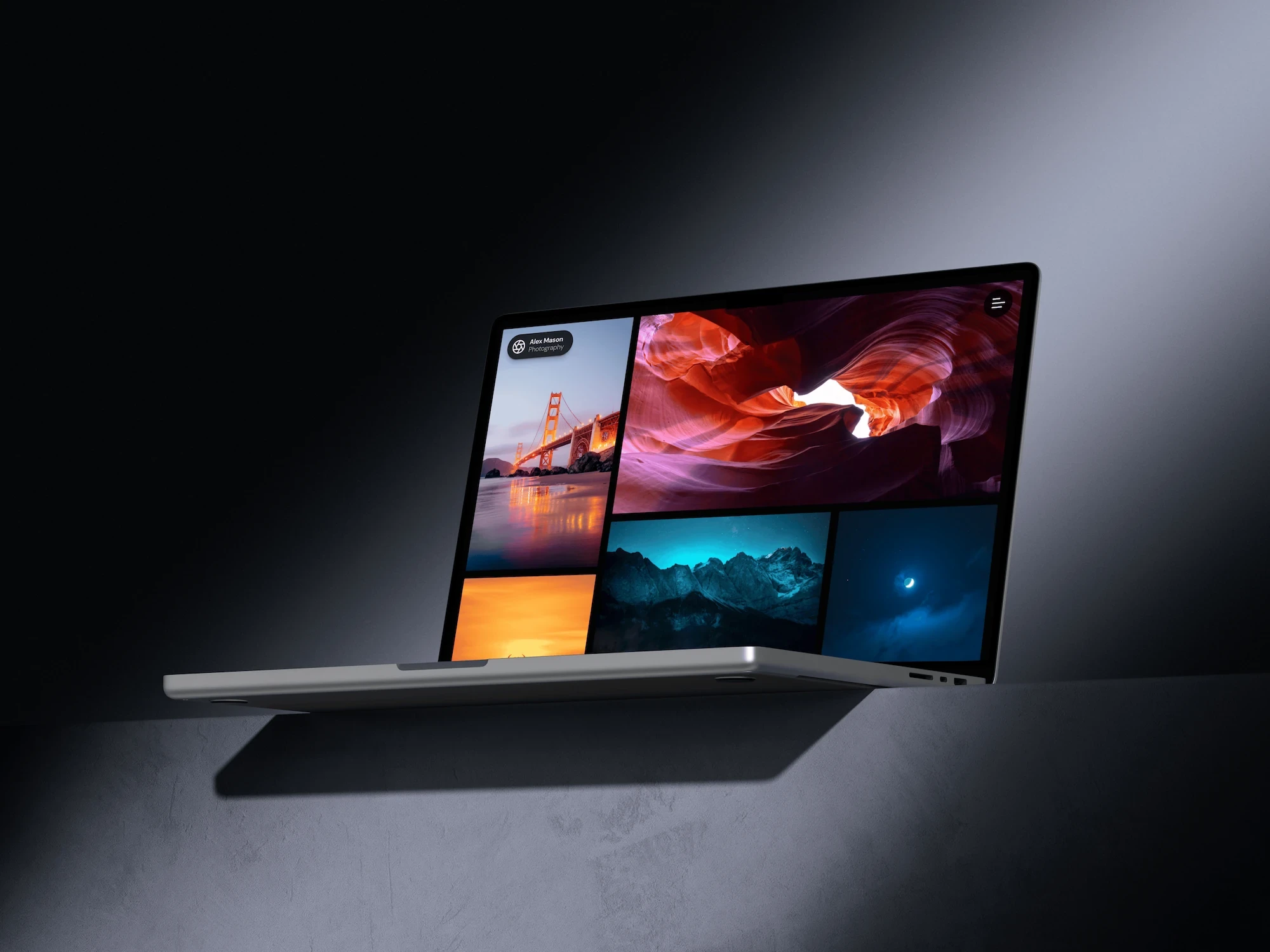
Lighthouse is built for photographers, artists, and visual creatives who want to showcase their work with clarity and style. Ideal for portfolios that need image categorization, clean galleries, and a professional first impression.





397+ happy creatives
397+ happy creatives
397+ happy creatives
Payments secured by
/
Payments secured by
/
Stand out professionally, impress clients, and turn your visual portfolio into new opportunities.
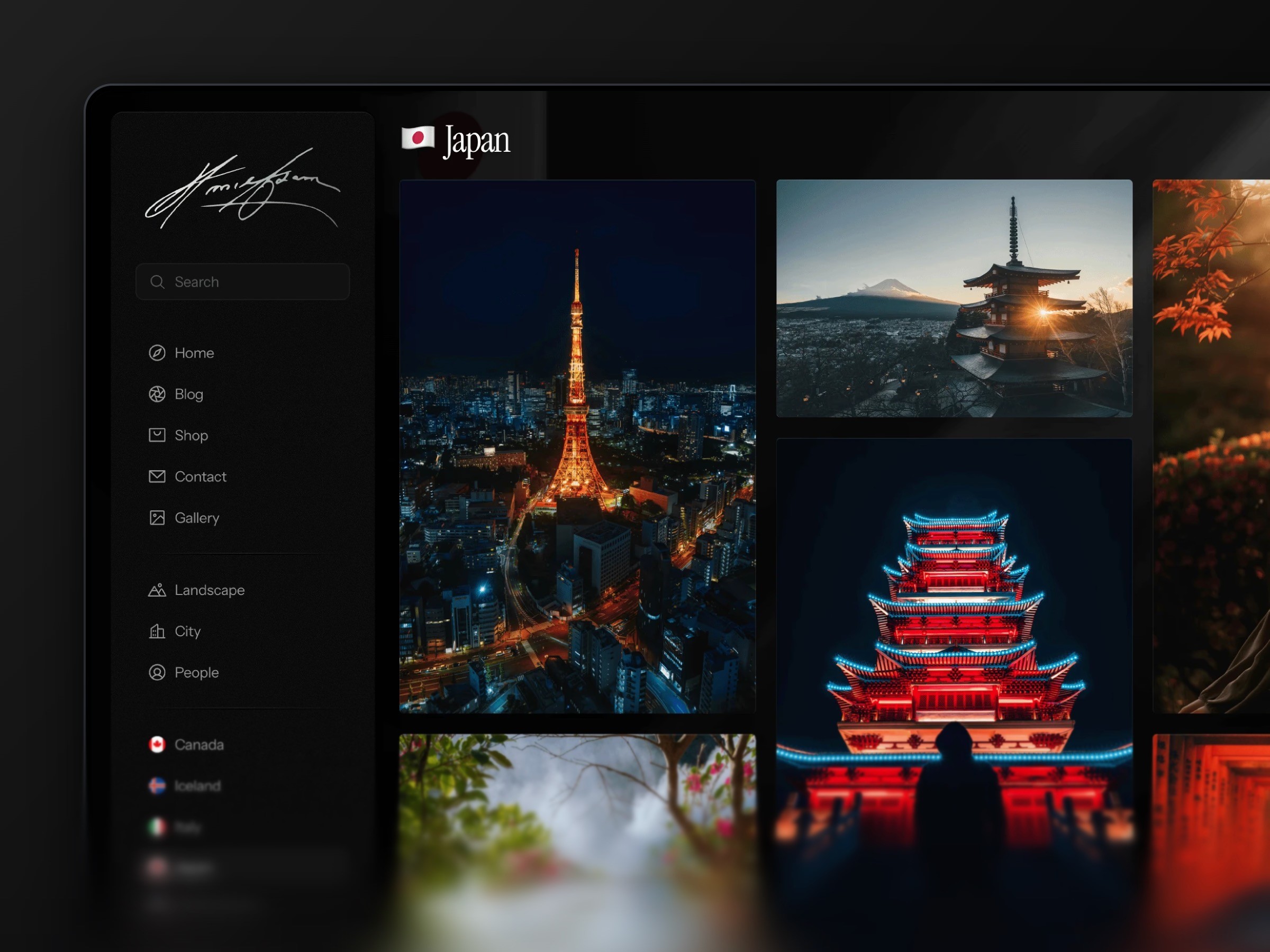
Designed for clarity: A minimal, gallery-focused layout that puts your images front and center.
Organized image categories: Easily manage and display projects with intuitive tagging and filtering — perfect for portfolios with diverse content.
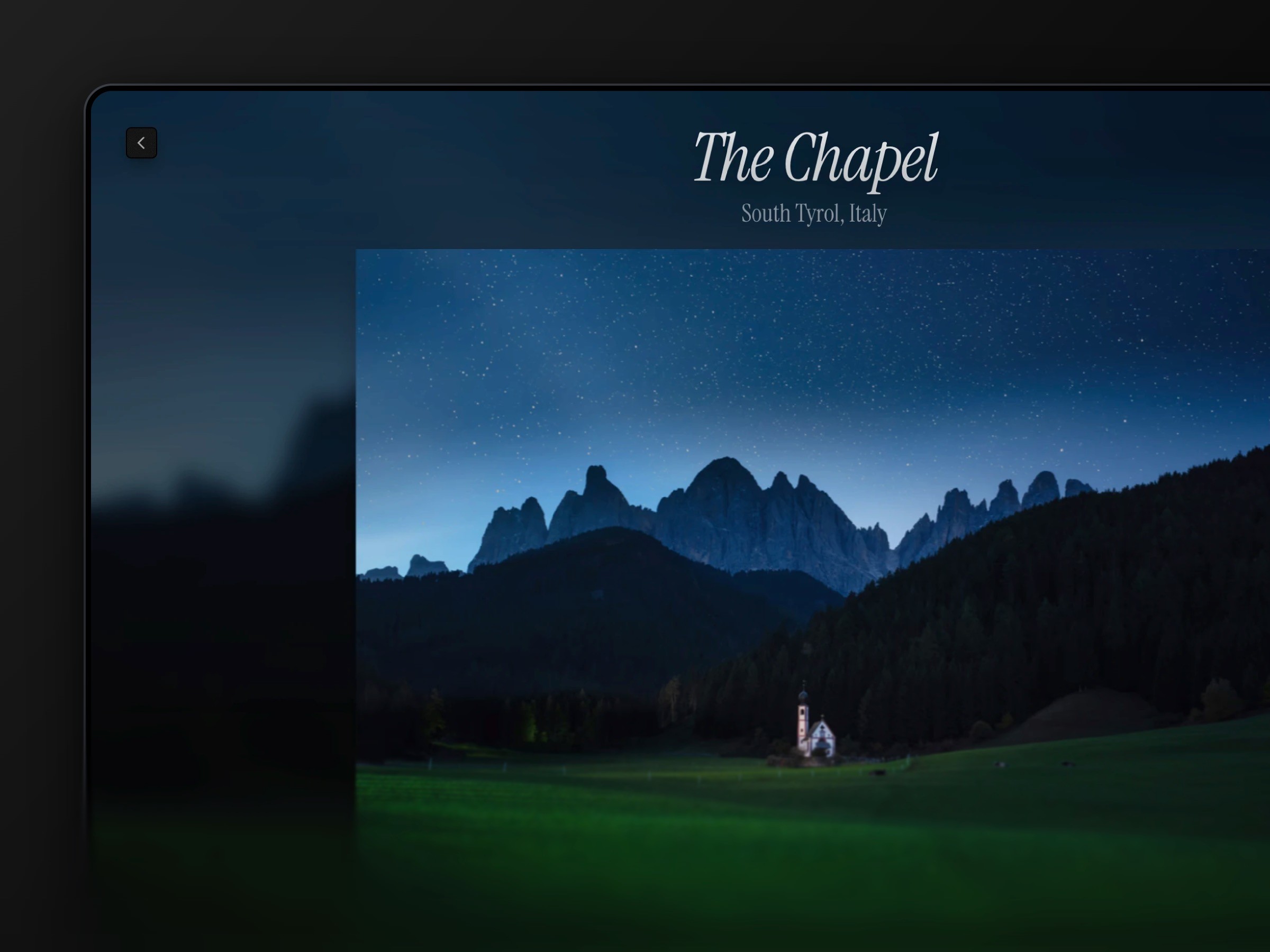
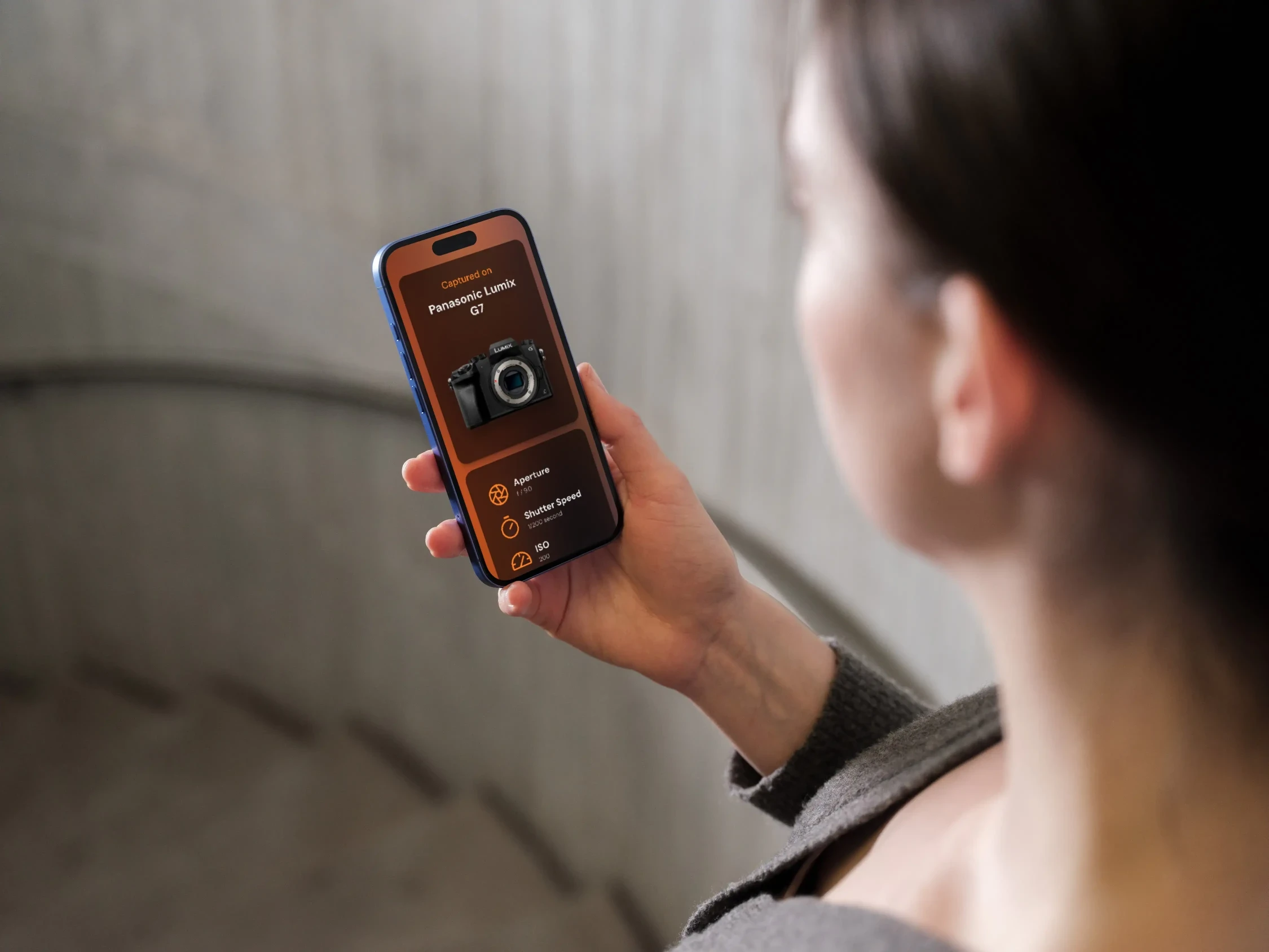
Interactive galleries & storytelling: Optional info panels let visitors explore behind-the-scenes insights and context for each project.
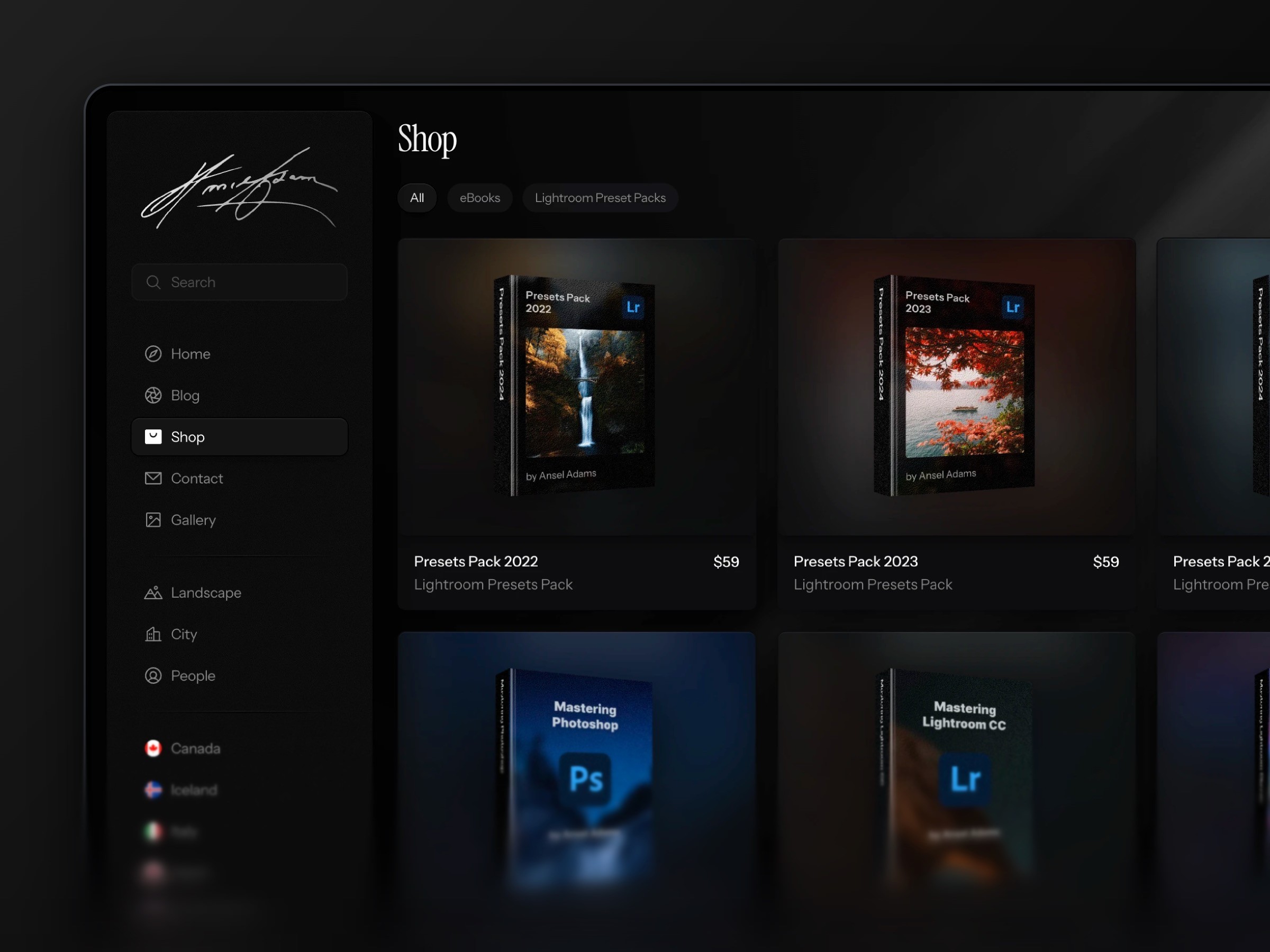
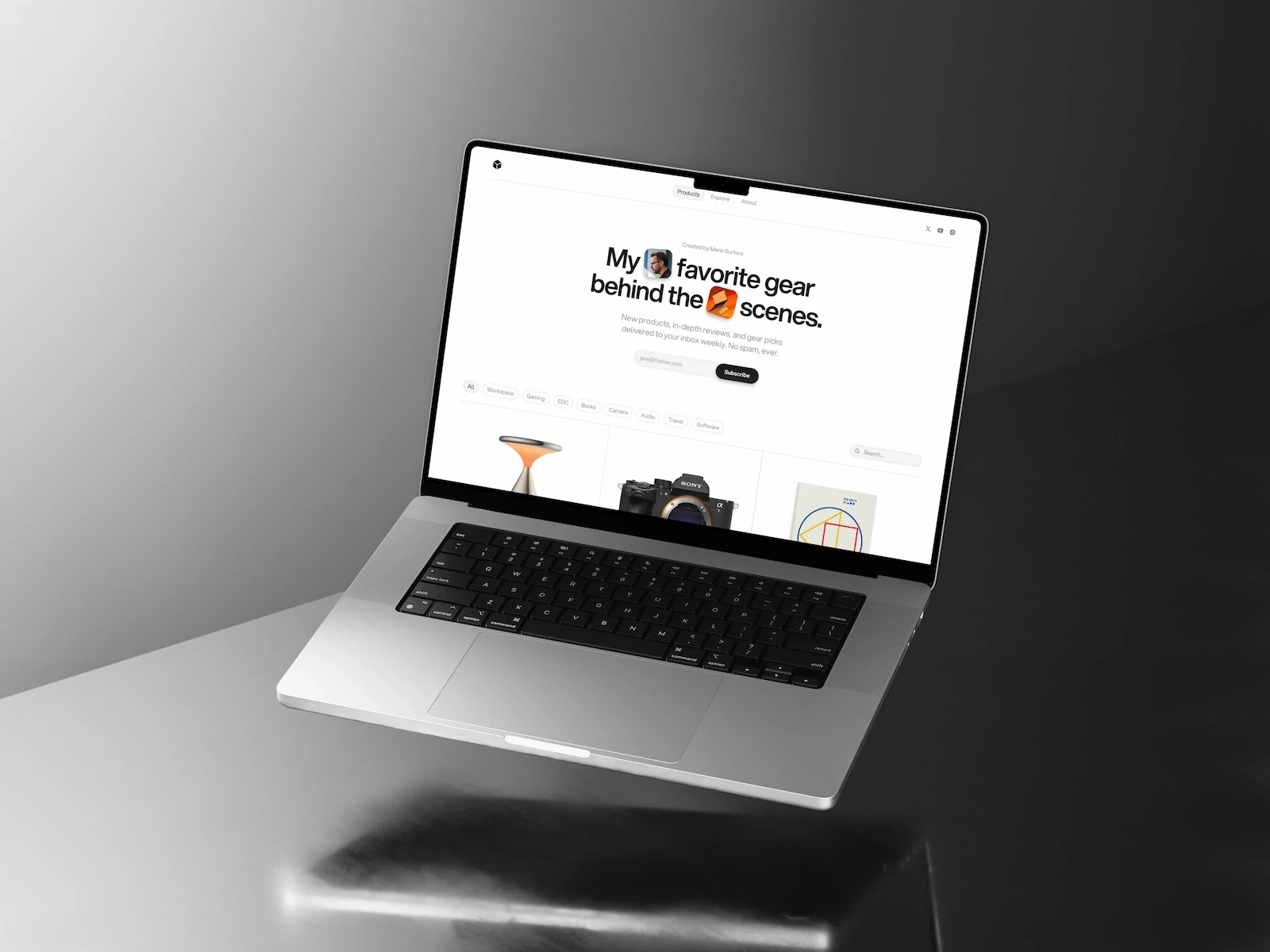
Built-in shop & contact options: Sell digital products or prints and connect with clients directly.
Best-in-class performance: Built with modern standards and tested with Google Lighthouse for fast load times and smooth browsing.
SEO-friendly structure: Optimized to help your site rank higher in search results.
Built-in tutorials: Step-by-step guides make customizing your site straightforward, even if you’re new to Framer.
Optimized for results: Every layout and feature is designed to convert visitors into clients, customers, or followers.
Designed for clarity: A minimal, gallery-focused layout that puts your images front and center.
Organized image categories: Easily manage and display projects with intuitive tagging and filtering — perfect for portfolios with diverse content.
Interactive galleries & storytelling: Optional info panels let visitors explore behind-the-scenes insights and context for each project.
Built-in shop & contact options: Sell digital products or prints and connect with clients directly.
Best-in-class performance: Built with modern standards and tested with Google Lighthouse for fast load times and smooth browsing.
SEO-friendly structure: Optimized to help your site rank higher in search results.
Built-in tutorials: Step-by-step guides make customizing your site straightforward, even if you’re new to Framer.
Optimized for results: Every layout and feature is designed to convert visitors into clients, customers, or followers.
Pages
Home
Blog
404
Contact
Photo Library
CMS
Blog
CMS
Shop
CMS
Shop Pages
CMS
Gallery
CMS
Blog Pages
CMS
Frequently asked
questions.
What's included in my purchase?
- A Framer template link ready to add to your account - Free template setup guide to help you get started - Email support for setup and customization questions - 3 months of free Framer Pro included
How do Framer templates work?
After purchase you'll receive a template link that adds directly to your Framer account. From there, everything is editable — swap in your content, adjust colors and fonts, and launch. No coding required.
Do I need design or coding experience?
None. If you can click and type, you can customize your template and launch your site.
Do I need a Framer subscription?
You can get started on Framer's free plan. To connect a custom domain you'll need a Pro subscription — though your purchase includes 3 months of Framer Pro to get you started.
What happens after I purchase?
You’ll be redirected to add the template to your Framer account immediately. You’ll also receive an email confirmation with access details.
How long does setup take?
Most people are live within a day or two. The setup guides walk you through everything step by step so there's no guesswork.
Do you offer support?
Yes — real email support, not a bot. If you get stuck on setup or customization, reach out and I'll help you sort it out.
What's your refund policy?
All sales are final on digital products. If you have questions before purchasing, feel free to reach out via email — I'm happy to help you figure out if a template is the right fit. And if something isn't working as expected after purchase, email me and I'll make it right.
Frequently asked
questions.
What's included in my purchase?
- A Framer template link ready to add to your account - Free template setup guide to help you get started - Email support for setup and customization questions - 3 months of free Framer Pro included
How do Framer templates work?
After purchase you'll receive a template link that adds directly to your Framer account. From there, everything is editable — swap in your content, adjust colors and fonts, and launch. No coding required.
Do I need design or coding experience?
None. If you can click and type, you can customize your template and launch your site.
Do I need a Framer subscription?
You can get started on Framer's free plan. To connect a custom domain you'll need a Pro subscription — though your purchase includes 3 months of Framer Pro to get you started.
What happens after I purchase?
You’ll be redirected to add the template to your Framer account immediately. You’ll also receive an email confirmation with access details.
How long does setup take?
Most people are live within a day or two. The setup guides walk you through everything step by step so there's no guesswork.
Do you offer support?
Yes — real email support, not a bot. If you get stuck on setup or customization, reach out and I'll help you sort it out.
What's your refund policy?
All sales are final on digital products. If you have questions before purchasing, feel free to reach out via email — I'm happy to help you figure out if a template is the right fit. And if something isn't working as expected after purchase, email me and I'll make it right.
Frequently asked
questions.
What's included in my purchase?
- A Framer template link ready to add to your account - Free template setup guide to help you get started - Email support for setup and customization questions - 3 months of free Framer Pro included
How do Framer templates work?
After purchase you'll receive a template link that adds directly to your Framer account. From there, everything is editable — swap in your content, adjust colors and fonts, and launch. No coding required.
Do I need design or coding experience?
None. If you can click and type, you can customize your template and launch your site.
Do I need a Framer subscription?
You can get started on Framer's free plan. To connect a custom domain you'll need a Pro subscription — though your purchase includes 3 months of Framer Pro to get you started.
What happens after I purchase?
You’ll be redirected to add the template to your Framer account immediately. You’ll also receive an email confirmation with access details.
How long does setup take?
Most people are live within a day or two. The setup guides walk you through everything step by step so there's no guesswork.
Do you offer support?
Yes — real email support, not a bot. If you get stuck on setup or customization, reach out and I'll help you sort it out.
What's your refund policy?
All sales are final on digital products. If you have questions before purchasing, feel free to reach out via email — I'm happy to help you figure out if a template is the right fit. And if something isn't working as expected after purchase, email me and I'll make it right.
Frequently asked
questions.
What's included in my purchase?
- A Framer template link ready to add to your account - Free template setup guide to help you get started - Email support for setup and customization questions - 3 months of free Framer Pro included
How do Framer templates work?
After purchase you'll receive a template link that adds directly to your Framer account. From there, everything is editable — swap in your content, adjust colors and fonts, and launch. No coding required.
Do I need design or coding experience?
None. If you can click and type, you can customize your template and launch your site.
Do I need a Framer subscription?
You can get started on Framer's free plan. To connect a custom domain you'll need a Pro subscription — though your purchase includes 3 months of Framer Pro to get you started.
What happens after I purchase?
You’ll be redirected to add the template to your Framer account immediately. You’ll also receive an email confirmation with access details.
How long does setup take?
Most people are live within a day or two. The setup guides walk you through everything step by step so there's no guesswork.
Do you offer support?
Yes — real email support, not a bot. If you get stuck on setup or customization, reach out and I'll help you sort it out.
What's your refund policy?
All sales are final on digital products. If you have questions before purchasing, feel free to reach out via email — I'm happy to help you figure out if a template is the right fit. And if something isn't working as expected after purchase, email me and I'll make it right.
Trusted by 397+ creators
Look established
from day one.




Trusted by 397+ creators
Look established
from day one.
Trusted by 397+ creators